Home » Ruwix Blog - The Latest Rubik's Cube News
Ruwix Blog - The Latest Rubik's Cube News
Get notified about the latest Rubik's Cube and twisty puzzle news.
Subscribe to our Facebook page to get notified about our latest posts.
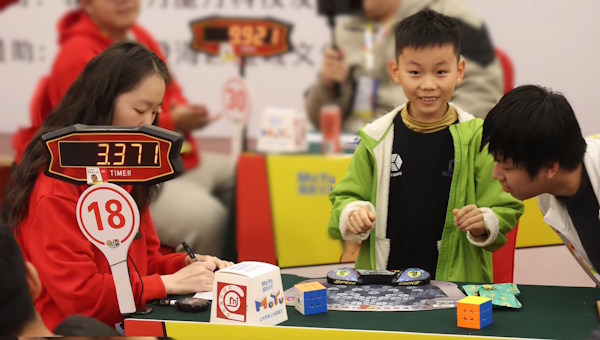
The Rubik's Cube world record has fallen again! Chinese speedcuber Xuanyi Geng (耿暄一) solved the 3x3 cube in an incredible 2.51 seconds at the Guangzhou Grand Open 2026 in Guangzhou, China.
Xuanyi took a massive 0.25 seconds off Teodor Zajder's 2.76-second world record, which had only been set earlier in 2026.

Read more...
The six-year-old Chinese speedcuber Yunzhi Lian (连允之) can solve a 3x3 cube at a pace that is difficult to comprehend without seeing it happen. In September 2026, she set the women's 3x3 average world record twice within a few days.

Read more...
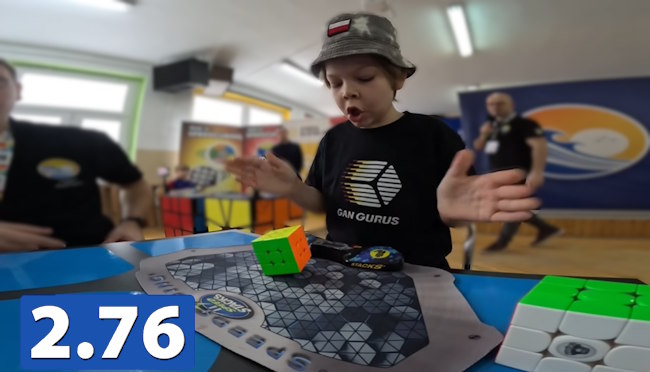
Ten-year-old Polish speedcuber Teodor Zajder set a new 3x3 Rubik's Cube record at an unbelievable 2.76 seconds at an official WCA competition in Gdańsk, Poland, setting the first ever official sub-3 world record. 🎉
Read more...
Hungarian astronaut, Tibor Kapu solved a Rubik's Cube aboard the International Space Station (ISS) with planet Earth spinning the background through the iconic round windows of the European-built Cupola module. Watch the video and listen to his message.

Read more...
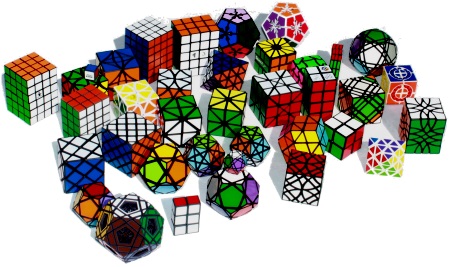
There have been roughly 400 million Rubik's Cubes sold since 1980 and one fifth of the globe had played with it, making this puzzle the best selling toy in history, and helping its inventor, Erno Rubik to become the richest man in the communist Hungary
Read more...
11-year-old Yiheng Wang is the first person ever to achieve an average under 4 seconds (Sub-4), which is an absolutely superhuman performance, breaking his own 4.03 seconds record he just set in April.

Read more...
7-year-old boy from China, Xuanyi Geng, just shocked the speedcubing world by solving the 3x3 Rubik’s Cube in 3.05 seconds at the Shenyang Spring 2025 competition. This is now the fastest single solve ever recorded in official competition! 🎉

Read more...
YiHeng Wang broke the Rubik's Cube Average World Record with 4.03 seconds, shaving off a little from his own 4.05s previous record.

Read more...
Published: December 23, 2024
We are thrilled to announce that after the Spanish [Ruwix.es] and Chinese [Ruwix.cn] translations, the most visited 38 pages from our website have been translated into Hungarian and are now available on a separate domain: RubikKocka.com, where everything's about "Rubik-kocka kirakása".

Look for the language switcher icon on the most popular pages
Read more...
Published: December 9, 2024
In a remarkable display of speedcubing prowess, 10-year-old Yiheng Wang has once again surpassed his own world record on Zhengzhou Open 2024 for the fastest average time to solve a 3×3×3 Rubik's Cube. At the Zhengzhou Open 2024, held on December 8, 2024, Wang achieved an astonishing average time of 4.05 seconds, edging past his previous record of 4.09 seconds.

Read more...
Published: October 02, 2024
The world of twisty puzzles has reached a new pinnacle with the creation of the 49x49x49 cube, now recognized as the highest-order NxNxN puzzle ever made

Read more...
Published: November 6, 2024
Watch the face of the US president Donald Trump being 3D printed on a Rubik's Cube with a 3D pen. Timelapse video in 5 minutes....

Read more...
Published: August 28, 2024
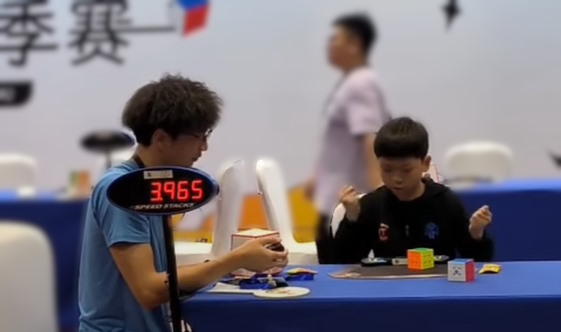
10 year old speedcuber YiHeng Wang (2019WANY36) broke the Rubik's Cube Average World Record with 4.25 seconds on Deqing Small Cubes Summer 2024 competition on August 25, 2024.
Read more...
YiHeng Wang (2019WANY36) broke the Rubik's Cube World Record Average with 4.36 seconds, beating his old record of 4.48 on the Philippine Championship 2024 on 6th July, 2024.

Read more...
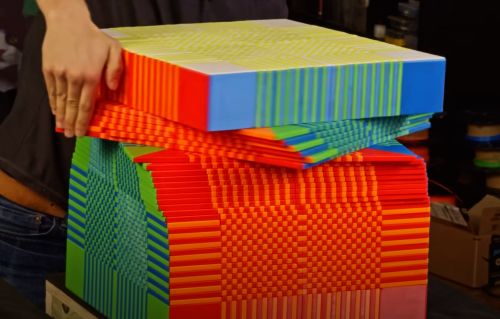
A 34x34x34 cube has become the highest-order NxNxN Rubik's Cube, announced Matt Bahner in a YouTube video....
Read more...
Max Park set a new official Rubik's Cube Single World Record with 3.13 seconds on 11th June 2023 on the Pride in Long Beach competition. He broke the previous record, the first ever "Sub-4".

Read more...
This year we celebrated Christmas with a Santa Claus Rubik's Cube shape mod, created with a 3D pen.

Read more...
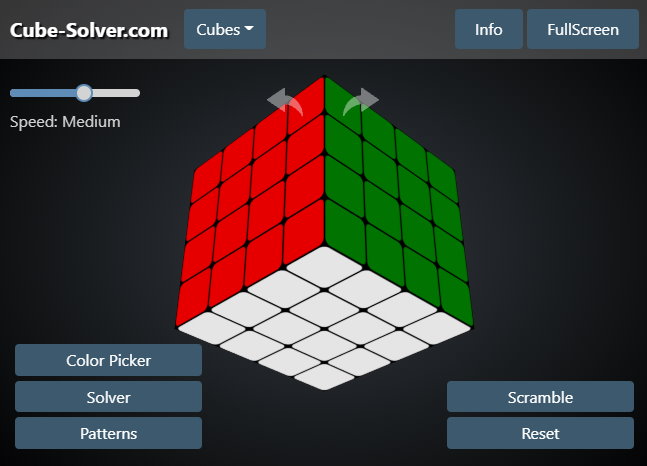
Just another Rubik's Cube solver, Cube-Solver.com is an online 2x2, 3x3, 4x4, 5x5 and other bigger NxNxN cube solver and simulator runs in your web browser.
Read more...
Published: December 23, 2018
Watch the process of 3D drawing SpongeBob Squarepants figure around a Rubik's Cube with a Polaroid Play 3D pen.

Read more...
Published: October 8, 2026
The second round of the Ruwix competition: cubers took pictures, watched movies, solved puzzles and came up with creative ideas, all with the Rubik's Cube. Read the tasks, the sample solution, the best answers and the winning entry.

Read more...
Published: October 8, 2026
In the first round of our writing competition cubers from all around the world sent us 118 stories about how they met the cube, why they started cubing, their favorite puzzles and cubers. Read the rules, a summary of the entries and the winning article.

Read more...
More Posts